For women who will not be on camera
Grow on Instagram without ever being on camera— with an avatar that is yours
AI Avatar Authority builds your avatar, then writes and assembles the reels, carousels and stories she appears in — about ten minutes of work for a day of posting. You post them yourself.
From $39 a month · one free photo at setup · 7-day refund
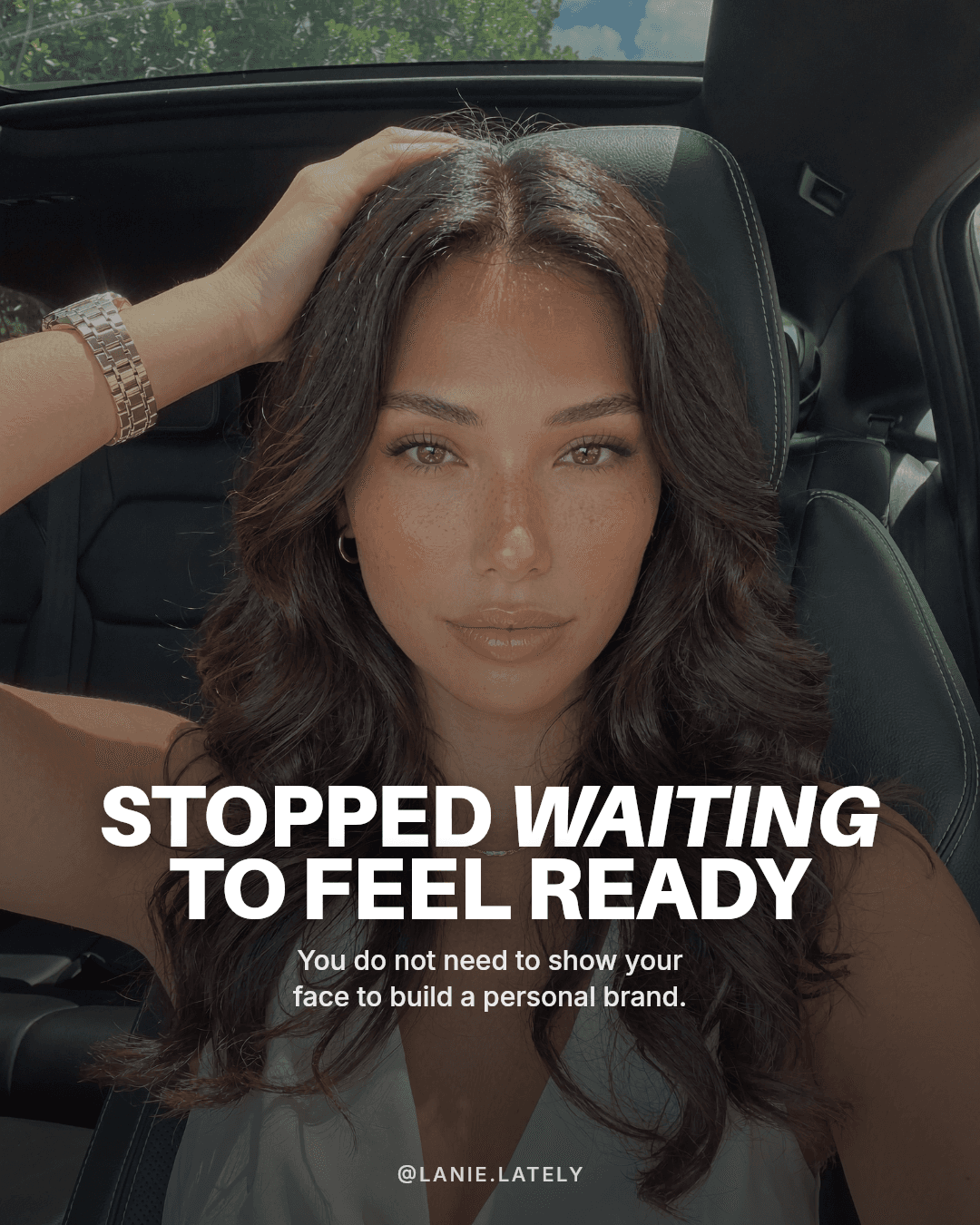
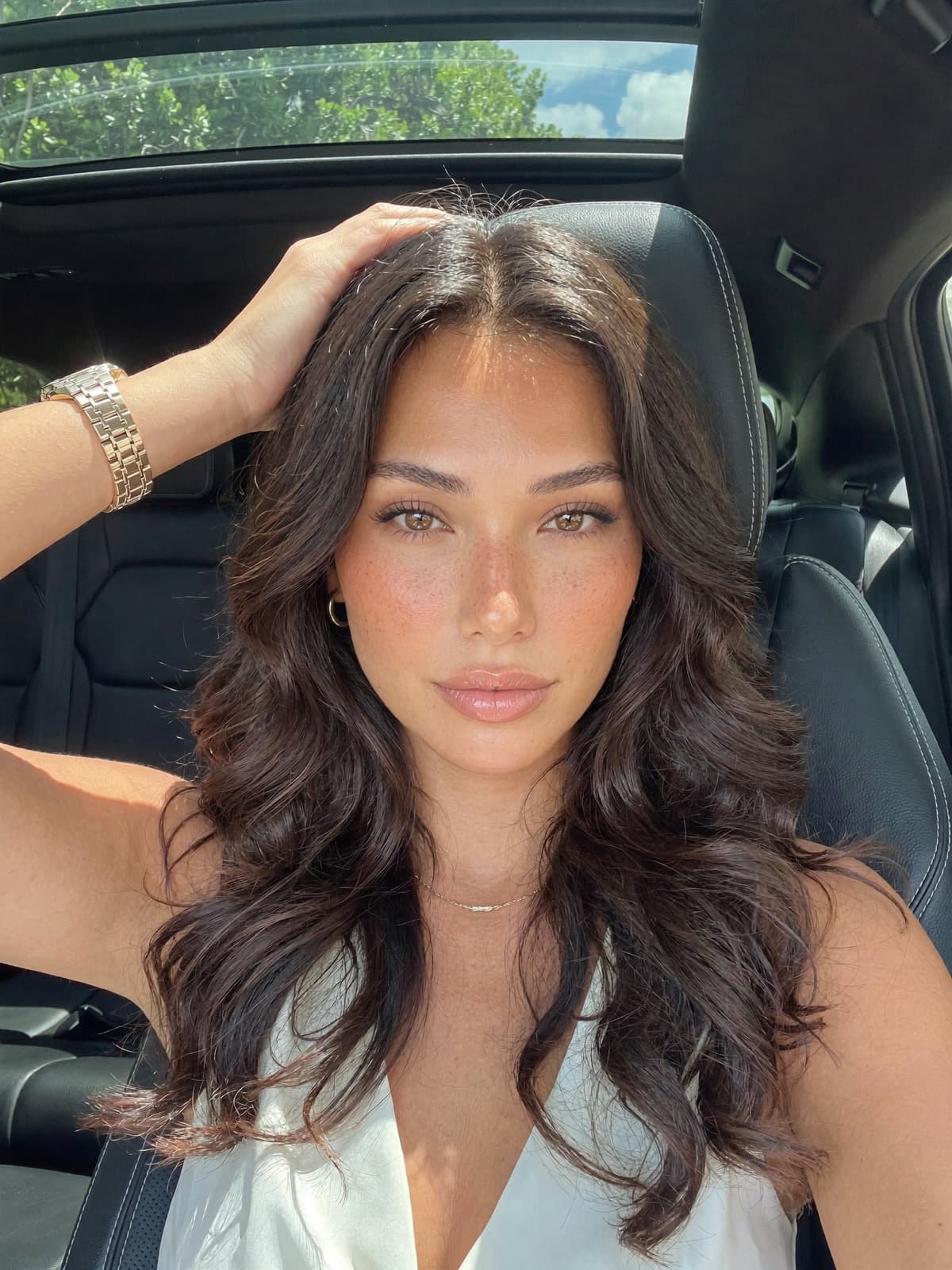
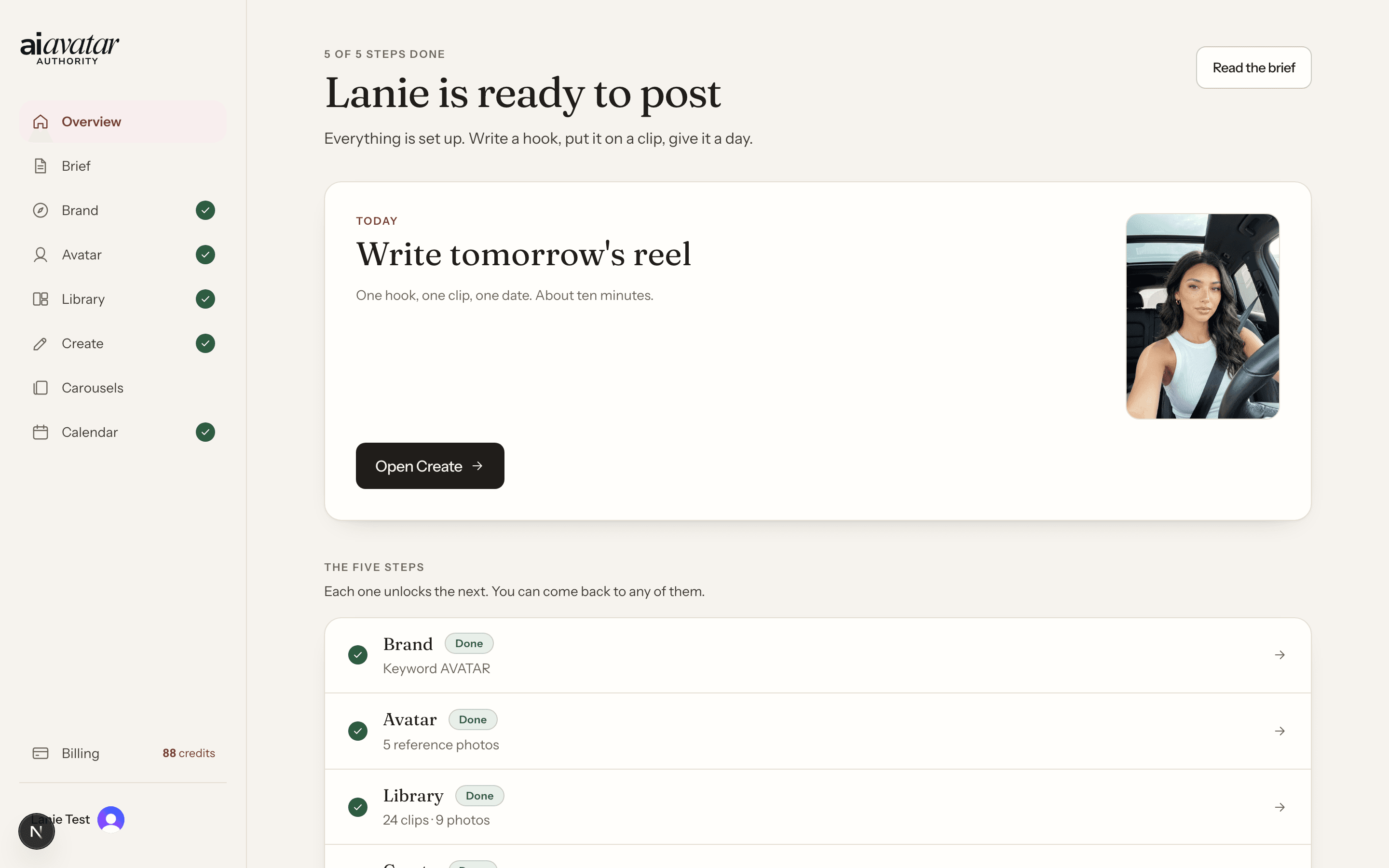
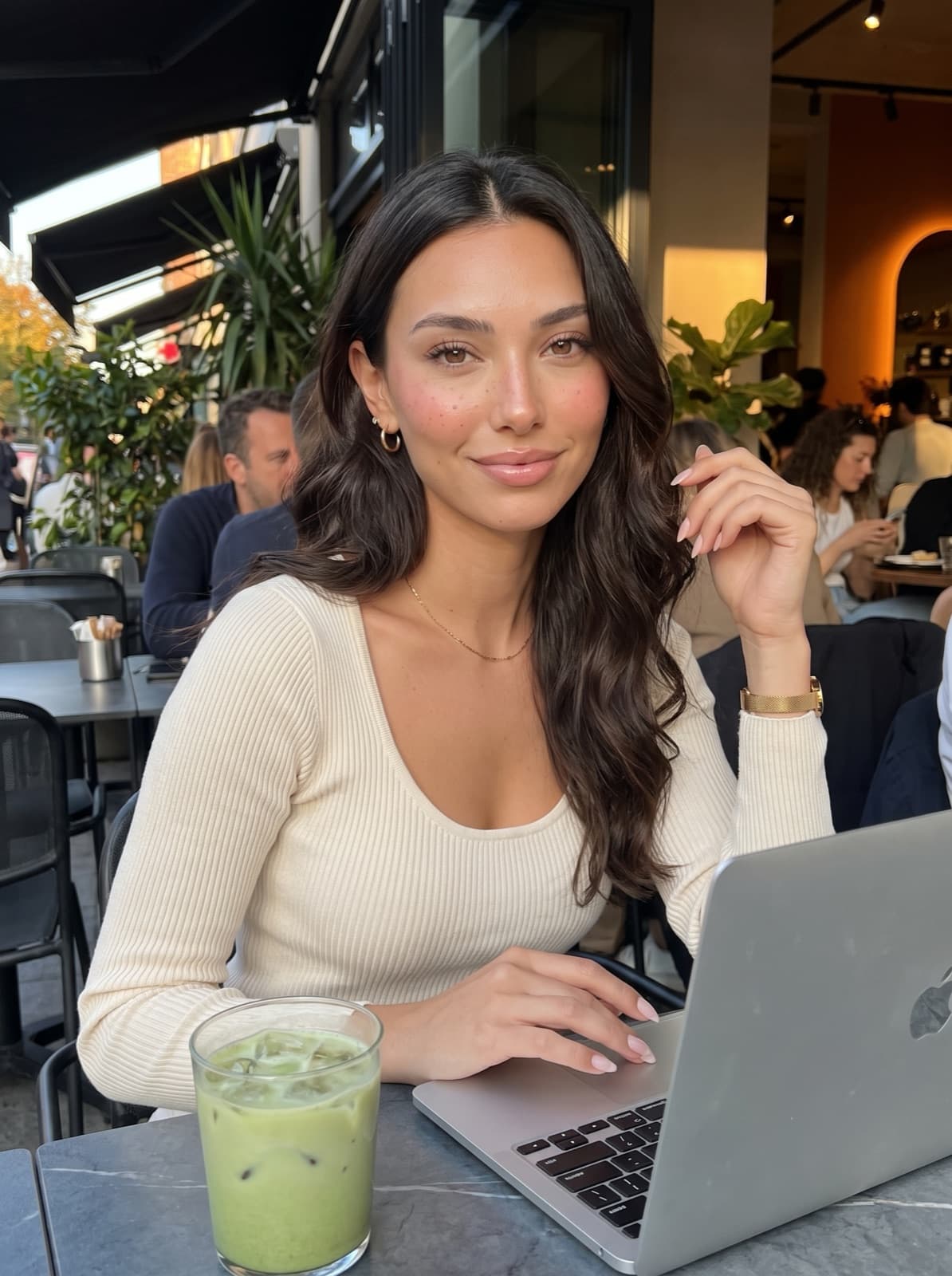
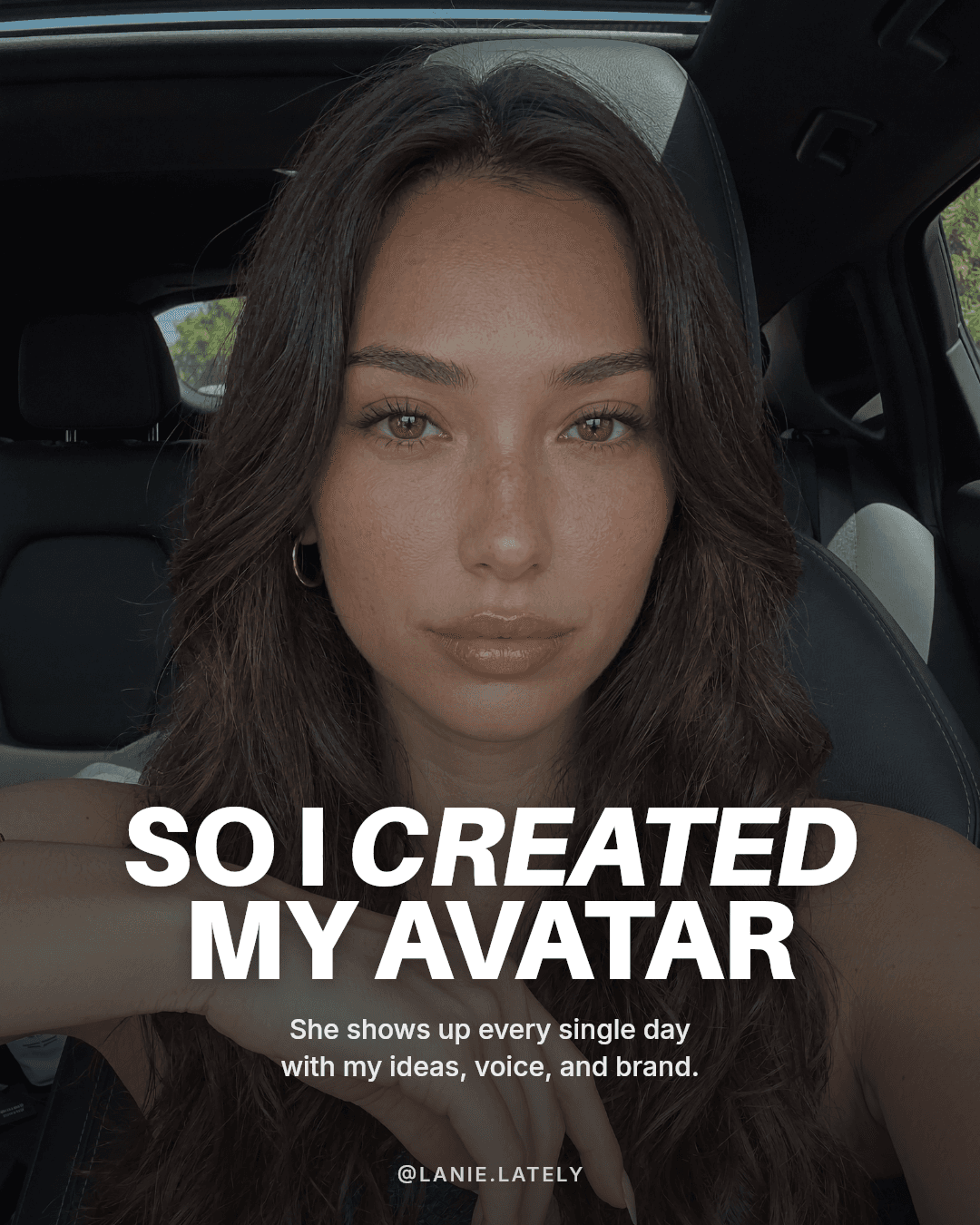
Lanie is an AI avatar. Every photo, clip, slide and screen on this page came out of the app. No camera, no photographer, no studio.
Watch this first
Three minutes inside the app
Sound on. This is the real app, not a mock-up.
What it is
A studio that makes a day of Instagram, with a face that is not yours
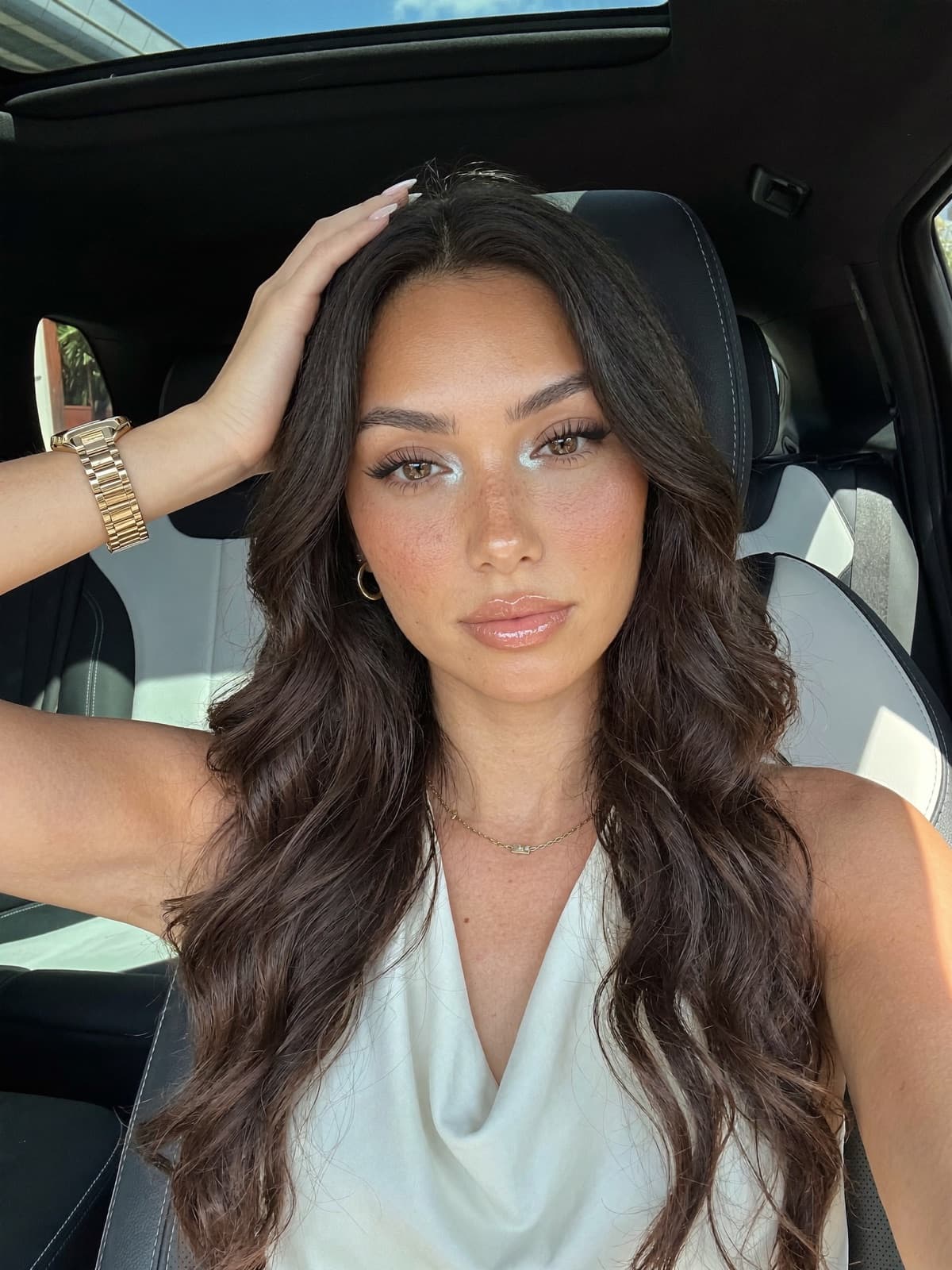
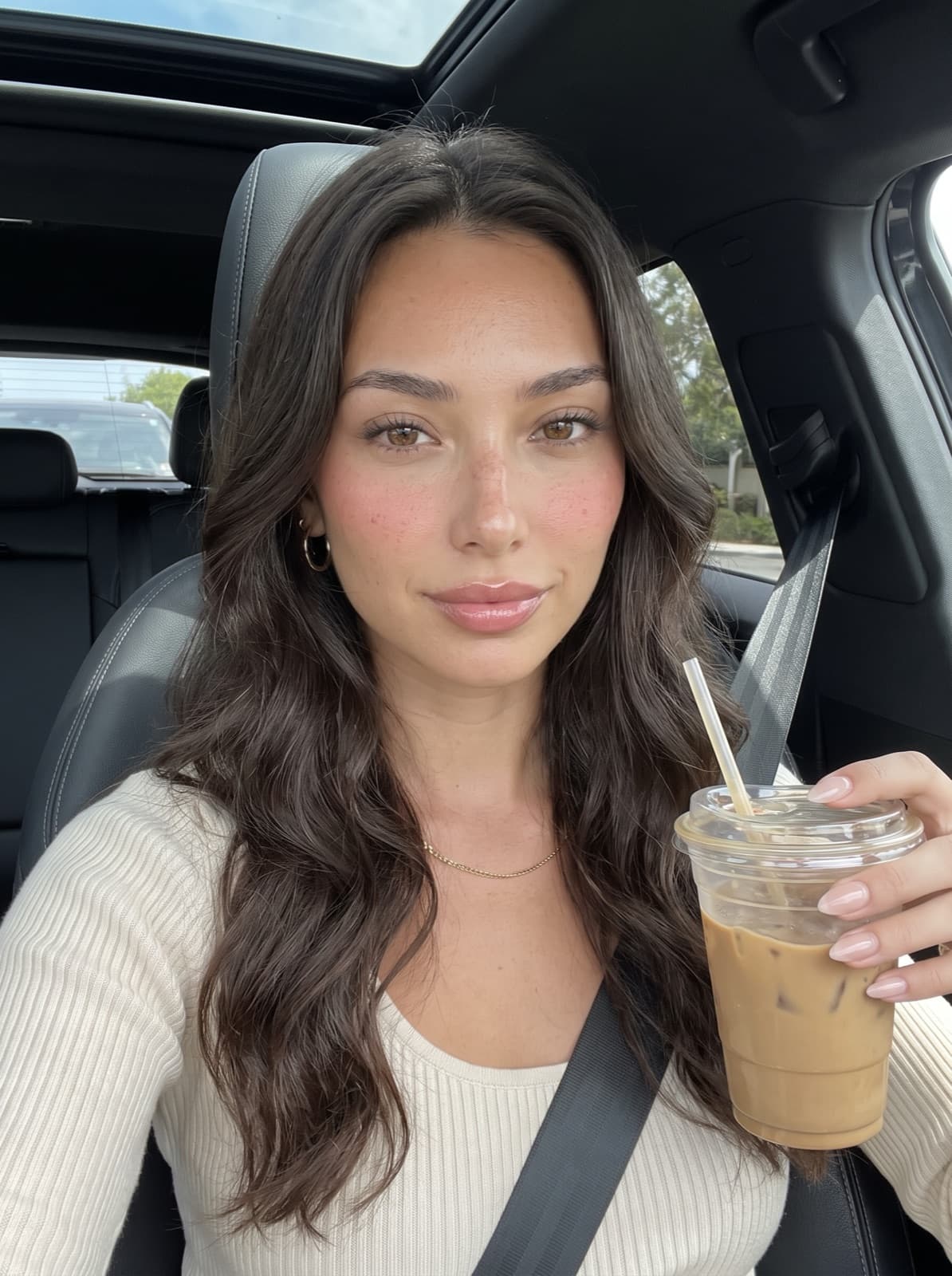
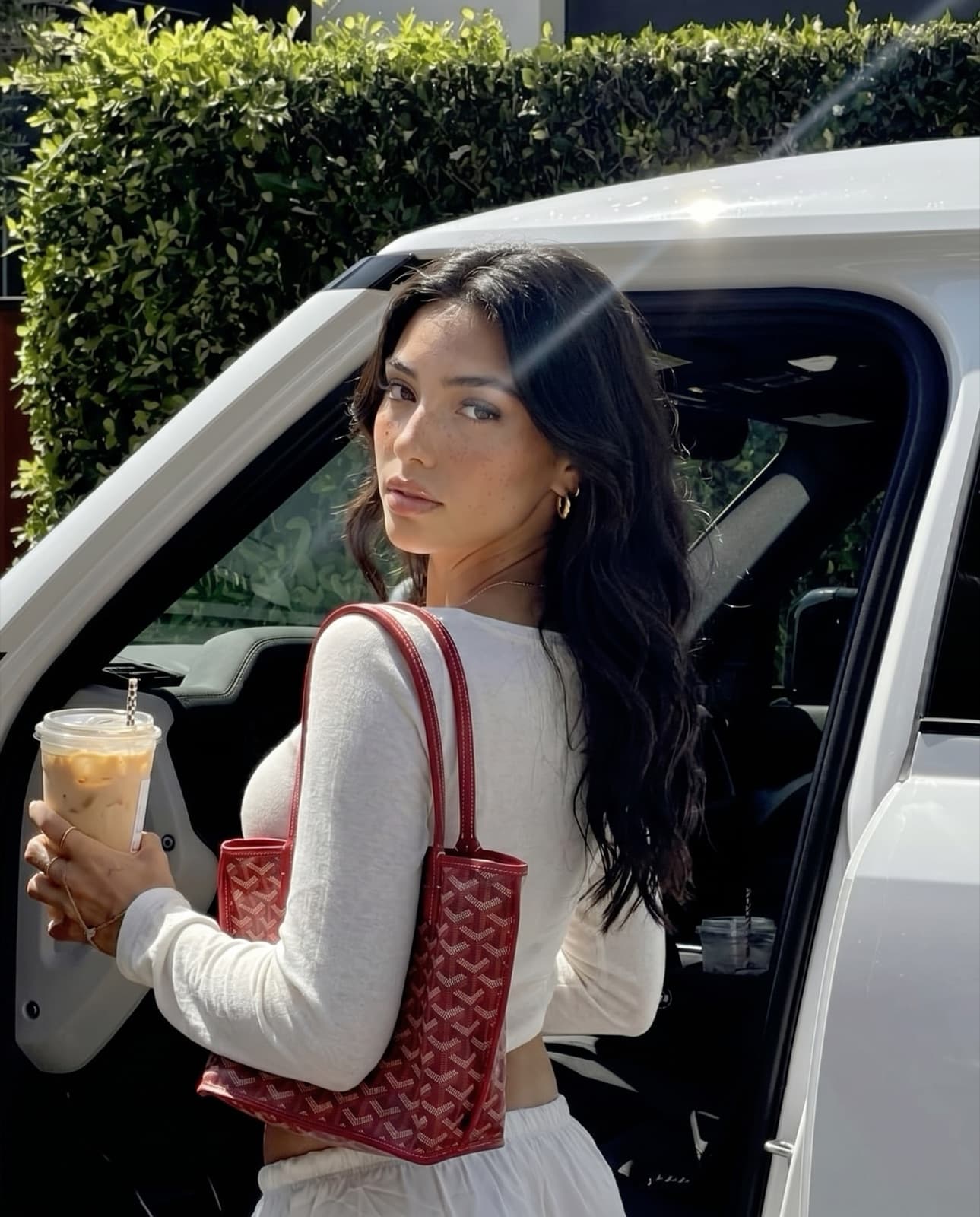
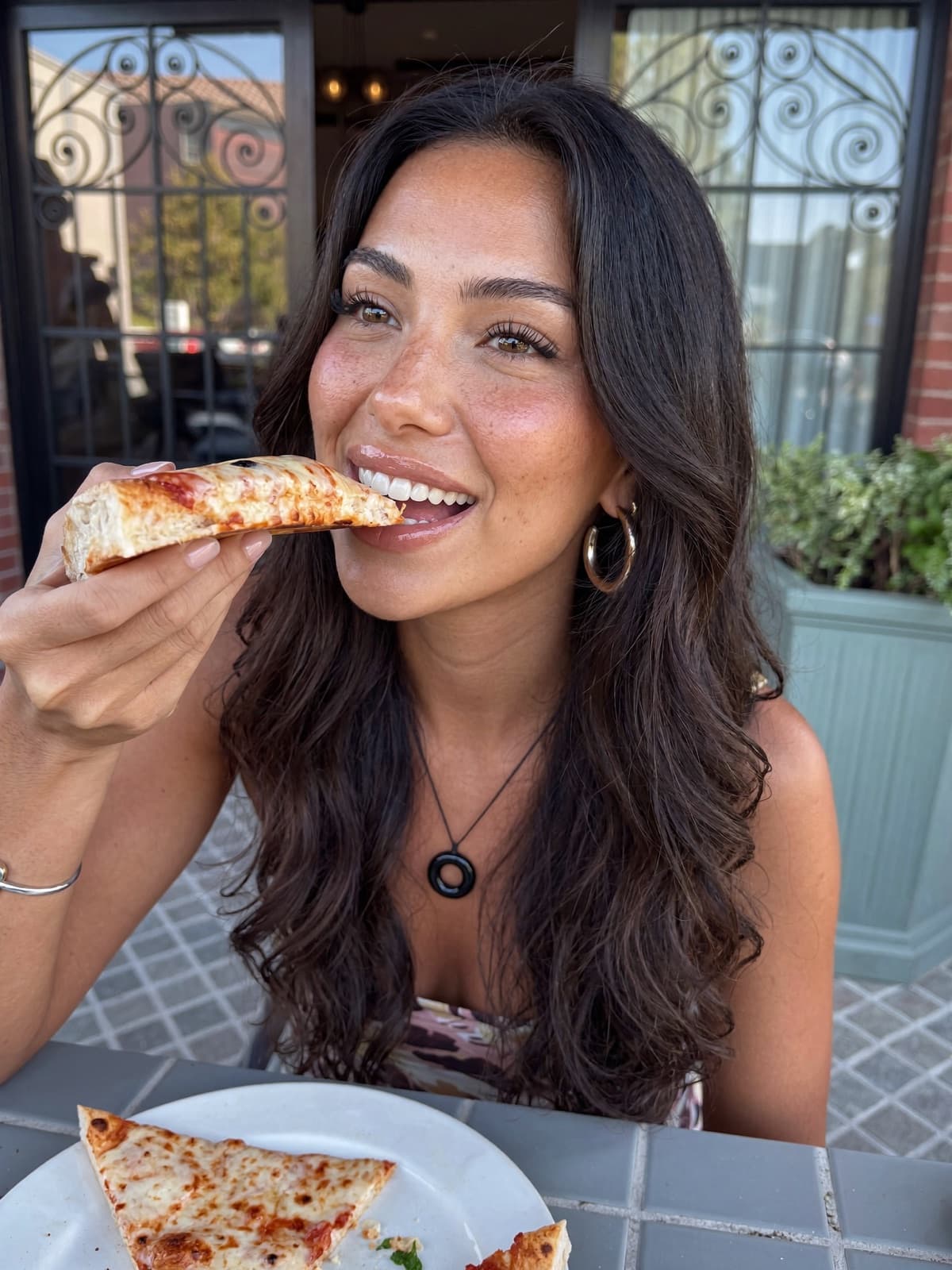
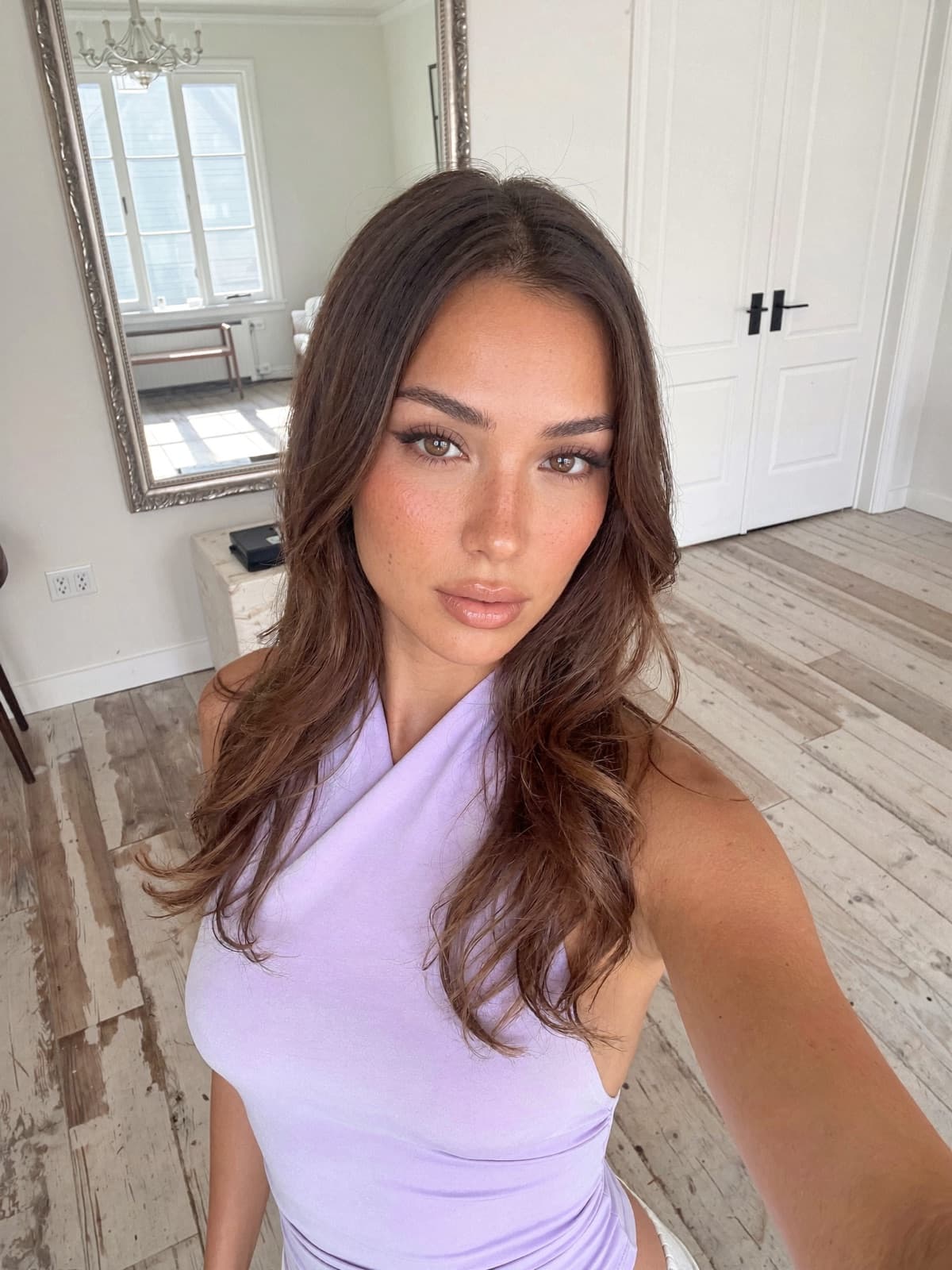
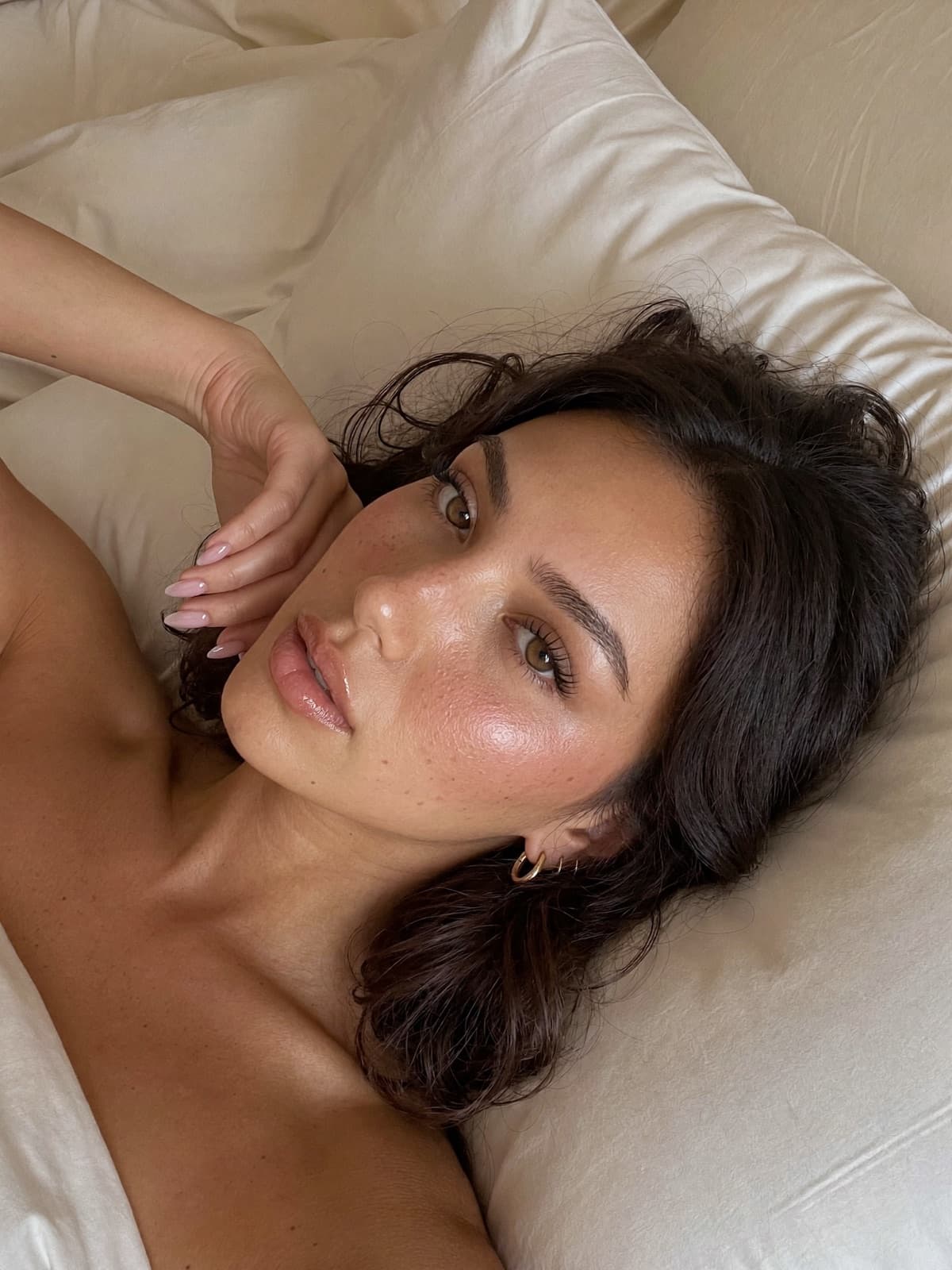
Lanie is an AI avatar. She is not a real woman, she has never been photographed, and the person who built her has never been on screen. Both pictures above came out of the same app you are being offered.
Instagram rewards showing up with a face people recognise. It does not check whose face it is. That is the whole idea: a face and a name your audience bonds with, that is not you in a parked car talking to your phone.
Sound familiar?
You have been about to start for years
01
You have wanted this for years.
The handle is saved. The niche is picked. You have written the first caption more than once and then closed the app, because the next step was always the same step.
02
You have never pressed record.
Not because you have nothing to say. Because of the people at work. Because of your sister-in-law. Because talking to your phone in a parked car is the most exposing thing you can picture.
03
So you collect tools instead.
An avatar app. A caption generator. A scheduler. A trends account you check but never act on. Four tabs, a camera roll of half-finished clips, and still nothing posted.
None of that is a discipline problem. The one piece of work you keep failing to do is being on camera — so take it out of the job.
From $39 a month · one free photo at setup · 7-day refund
How it works
Four screens between you and tomorrow’s post
1Step one
Answer questions for ten minutes
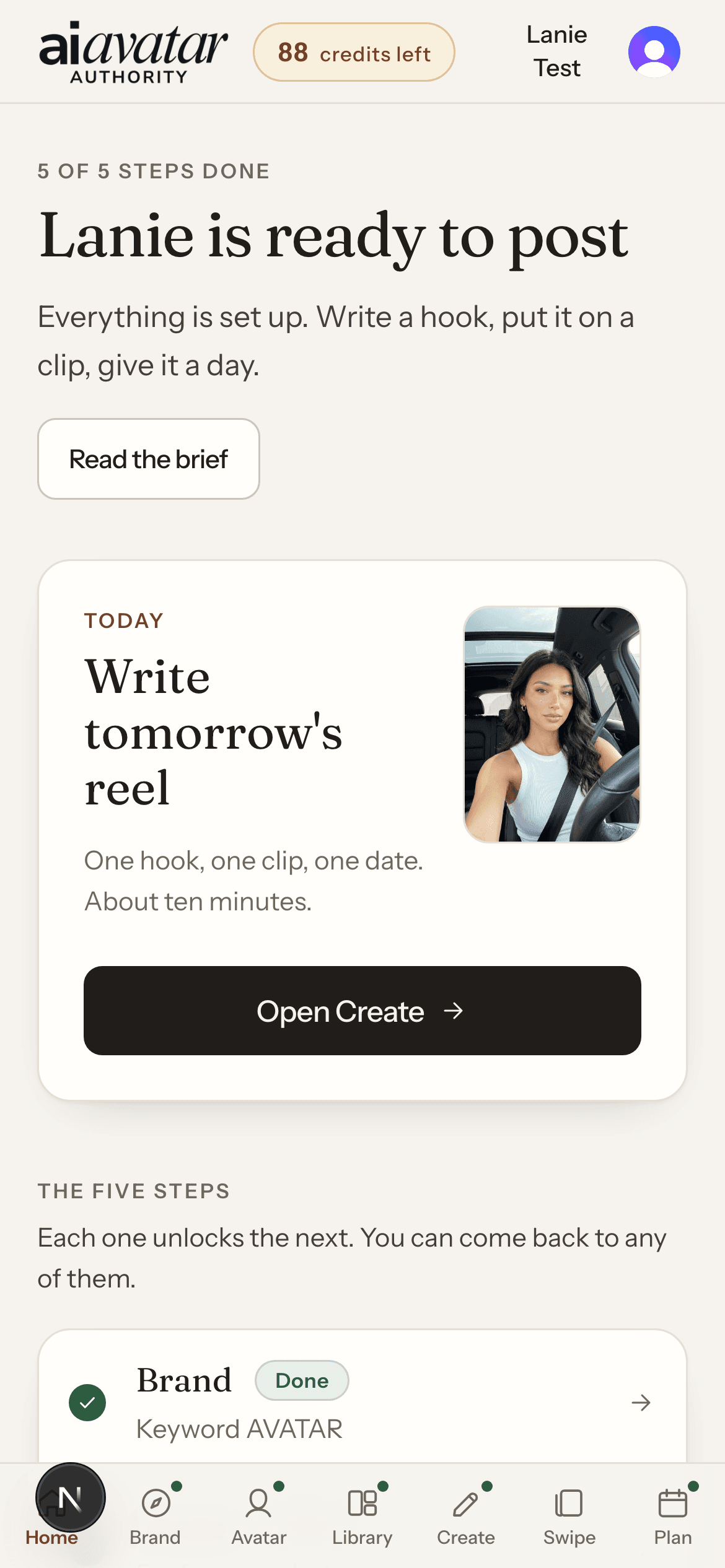
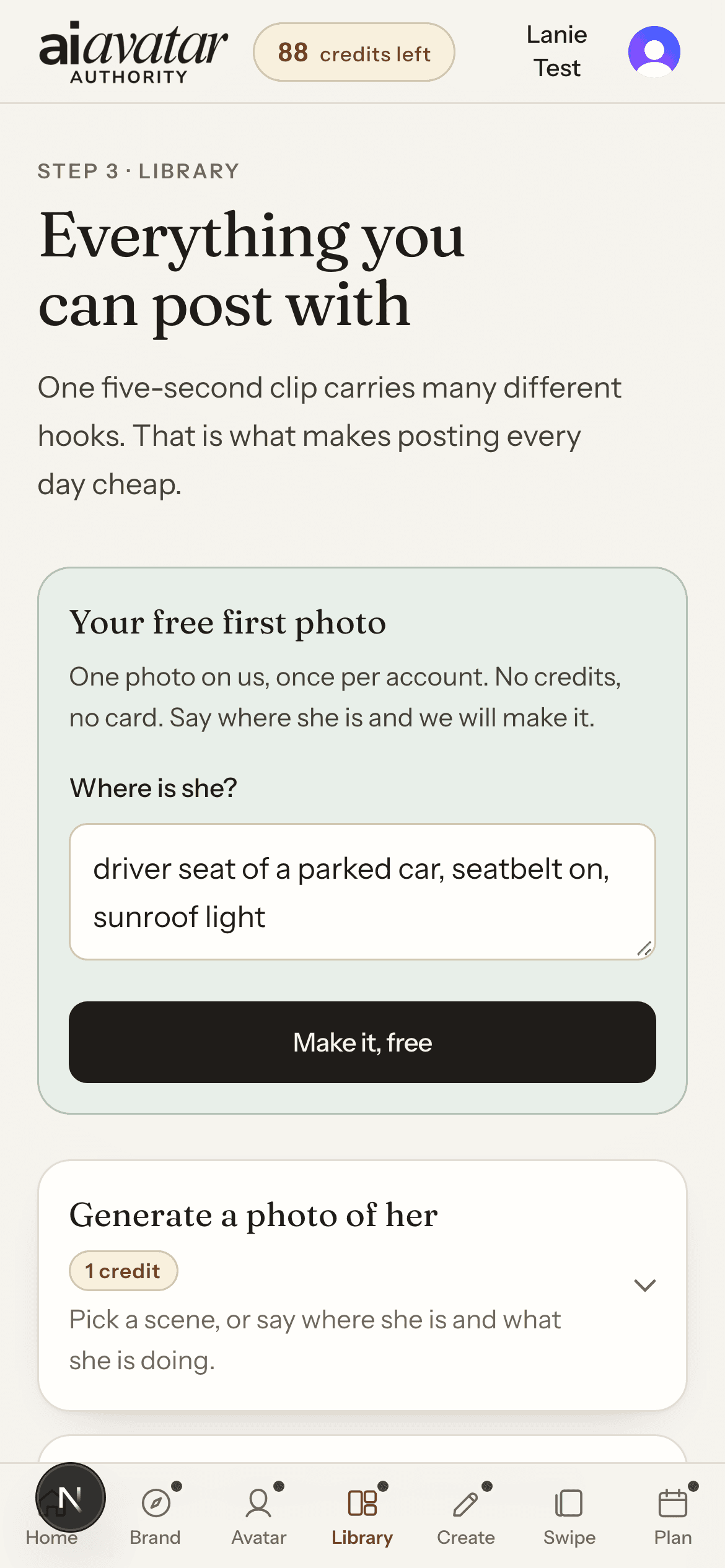
One question a screen, with drafted options if you are stuck and a coach that pushes back when an answer is vague. At the end the app makes you one photo of her, free — no credits, no card.
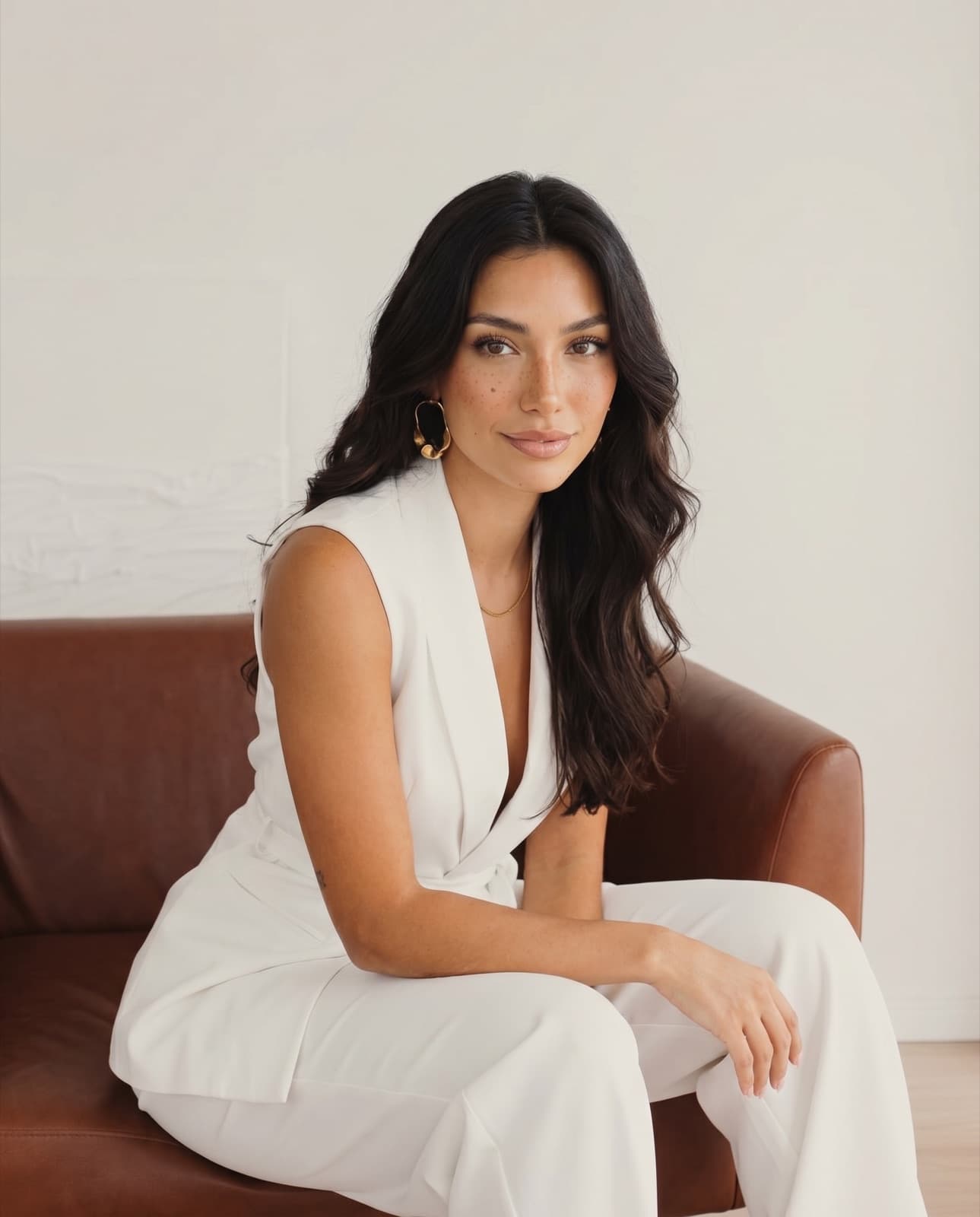
One avatar, one look, a grid that reads as a person instead of a folder of stock clips. Every one of these is the same AI avatar.
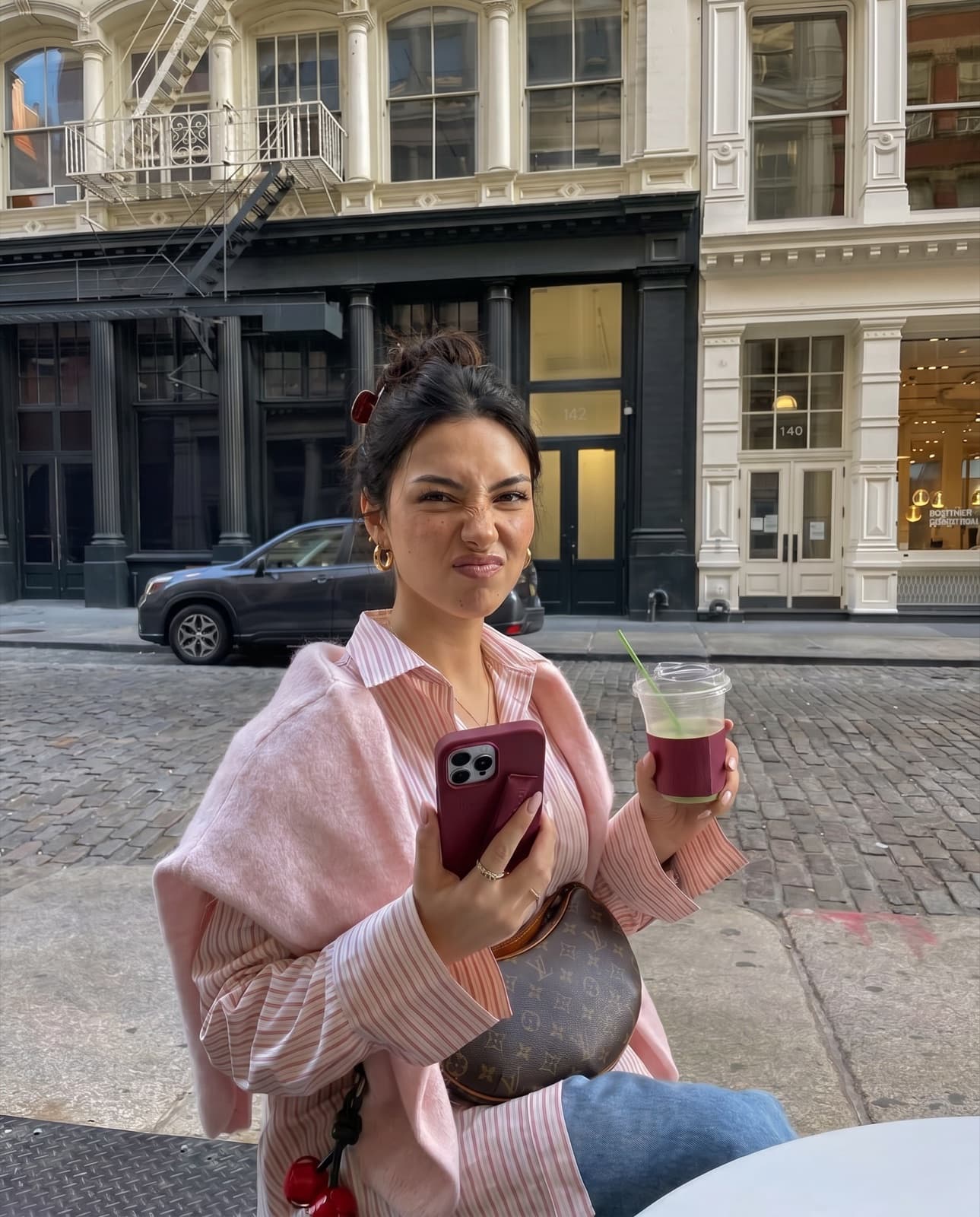
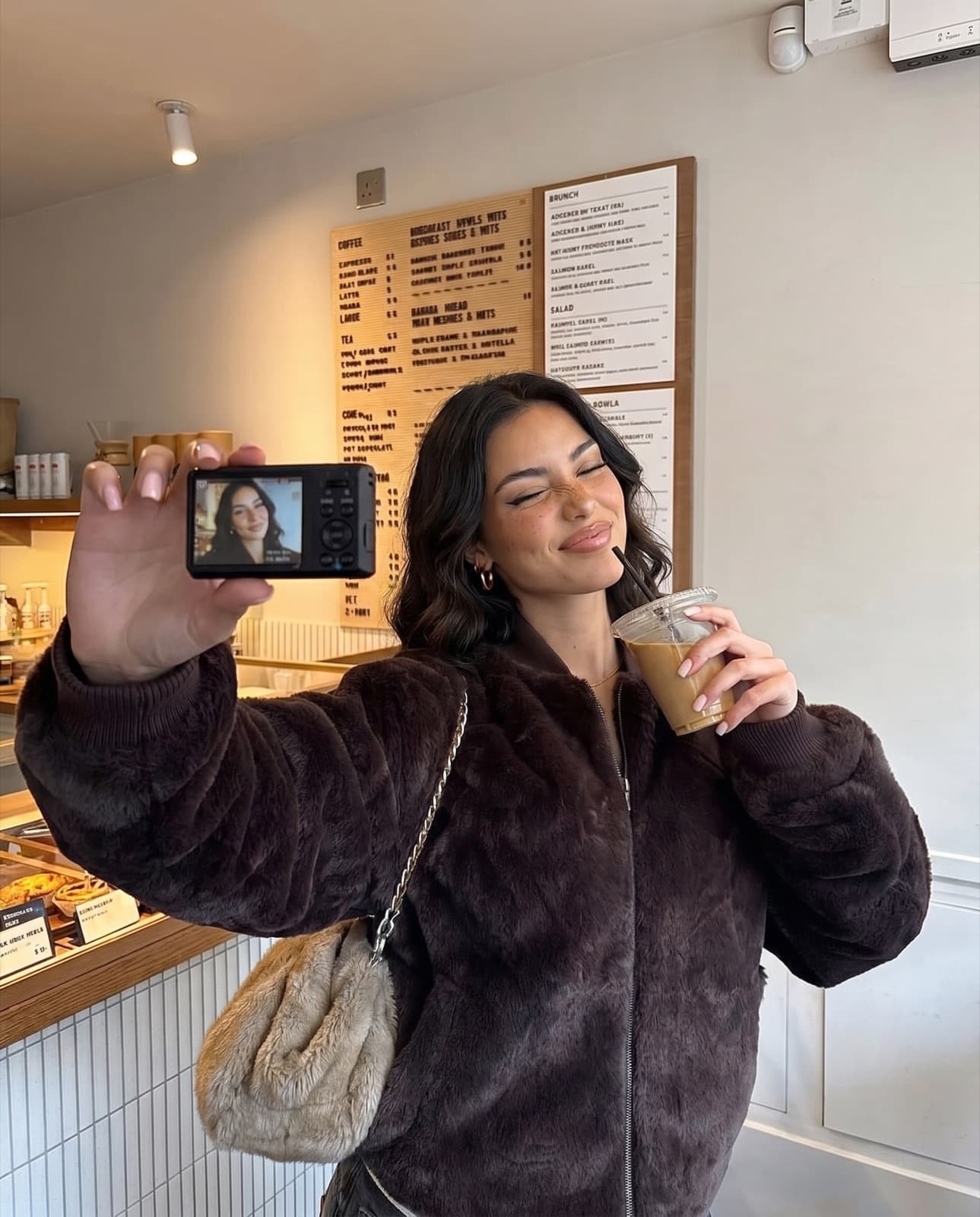
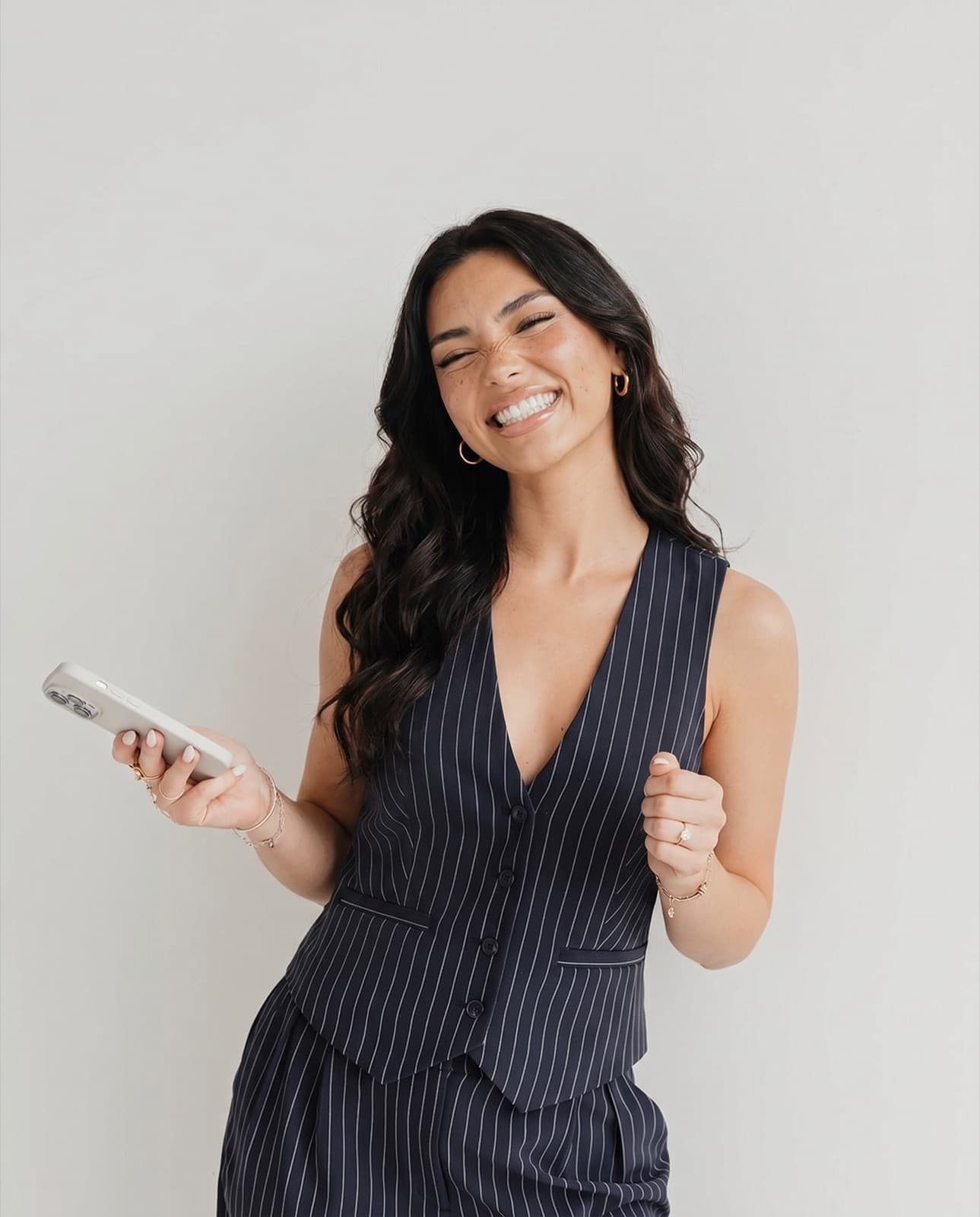
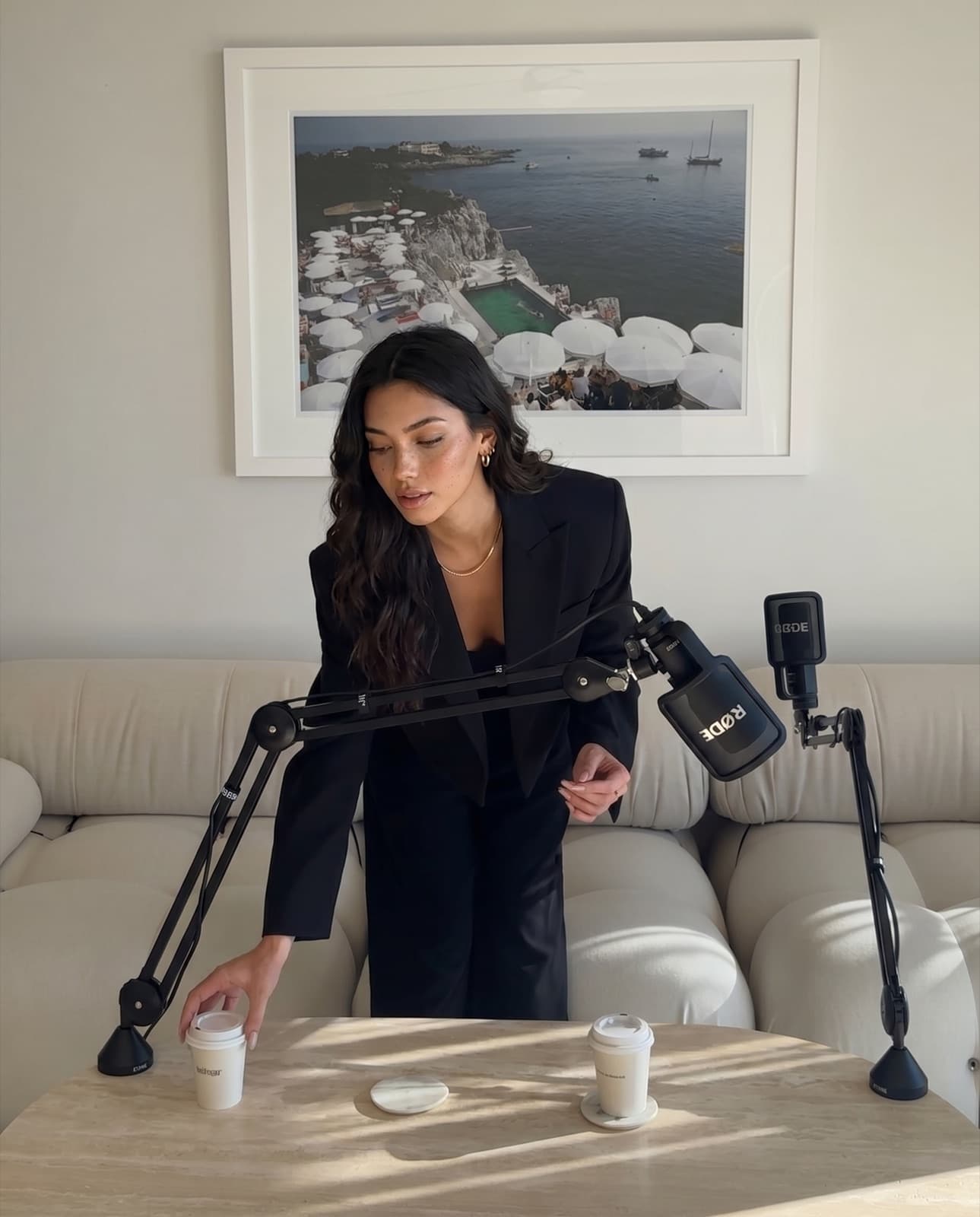
2Step two
Meet her, and approve her
Her page holds who she is, how she looks, and the reference photos that go out with every prompt. Nothing generated is used until you have looked at it and said yes.

Swipe to see the whole screen
Then you watch what the posts actually do.
Reel insights
Reel · assembled in the app
- Views
- Interactions
- Profile activity
[INSIGHT SCREENSHOT PLACEHOLDER: founder supplies real post insights]
Reel insights
Carousel · drawn in the app
- Views
- Saves
- Profile activity
[INSIGHT SCREENSHOT PLACEHOLDER: founder supplies real post insights]
Those two cards are deliberately empty. We will not print a view count, a reach number or a follower jump we cannot show you a screenshot for. The founder drops her real insights in here before launch.
3Step three
Write the hook, pick the clip
The app writes hooks from your brief, five at a time, in about twenty seconds. Choose one, put it on a five-second clip, and the reel is assembled — the hook on screen for exactly as long as it takes to read.
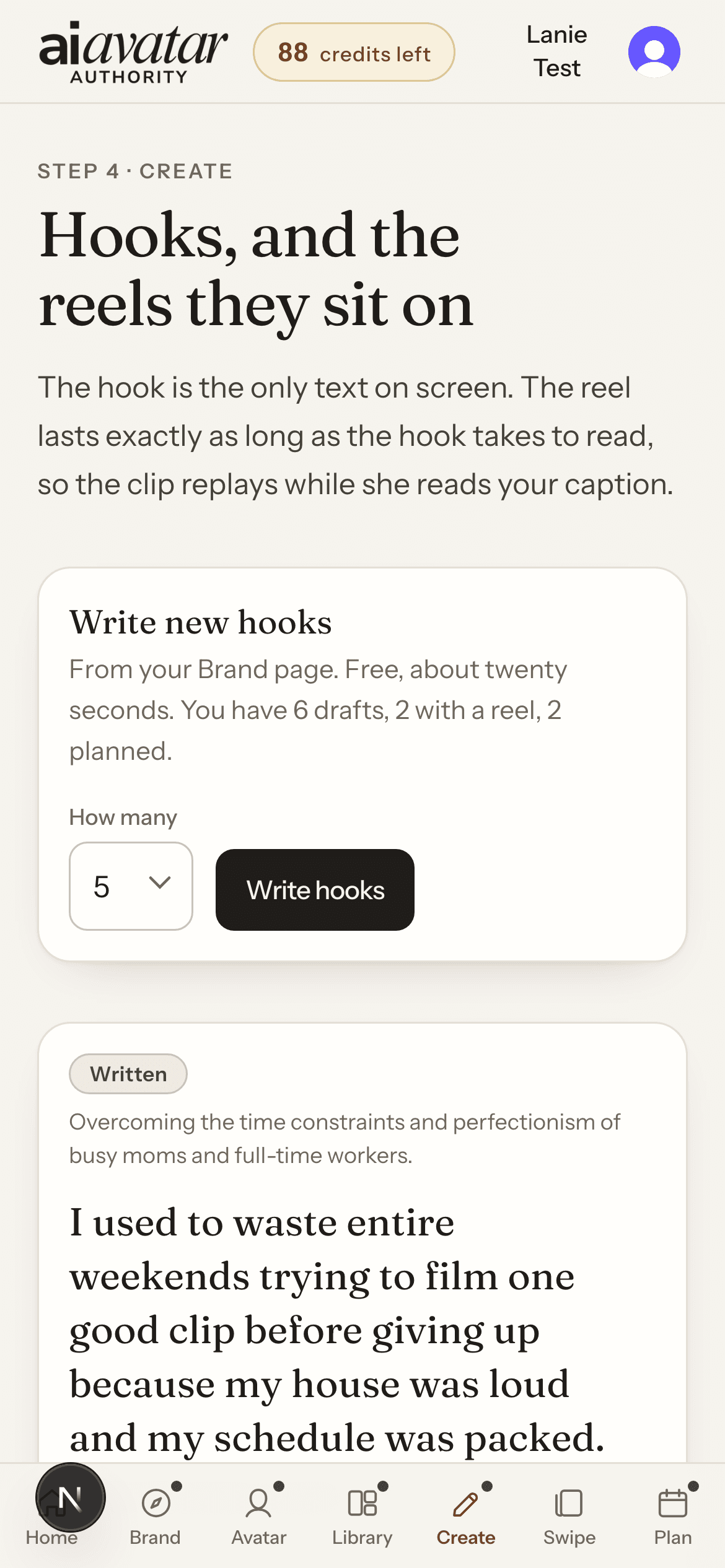
The clip
Five seconds, no sound, one small movement. Three credits. The same clip carries many different hooks, which is what makes posting every day cheap.
The hook
The only text on screen. Written from your brief, so it sounds like something you would actually say out loud. Free on a plan.
The caption
Drafted alongside it, yours to edit. You paste it into Instagram with the reel.
4Step four
Give it a day
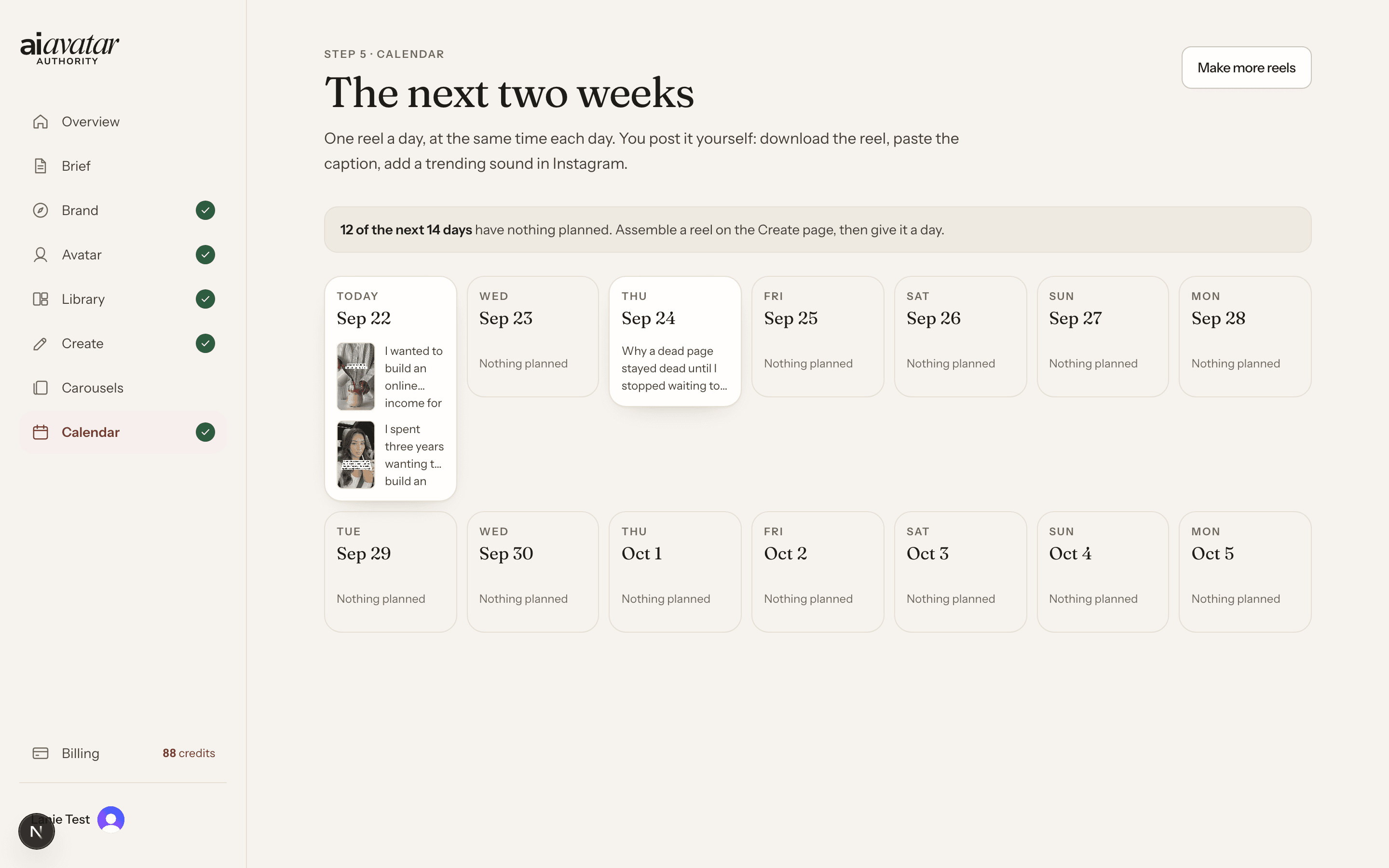
Every finished reel gets a date on a two-week calendar. When the day comes you download it, paste the caption, add a trending sound in Instagram and post. The app never posts for you and it never touches your account.
Swipe to see the whole screen
From $39 a month · one free photo at setup · 7-day refund
What comes out of it
Finished posts, not a folder of assets
Reels
On the left, a five-second clip generated from one of her photos. On the right, the same clip after the app put a hook on it. The wording of the hook and the moment it appears were both done by the app.
The clip · 3 credits
The finished reel · free on a plan
Carousels
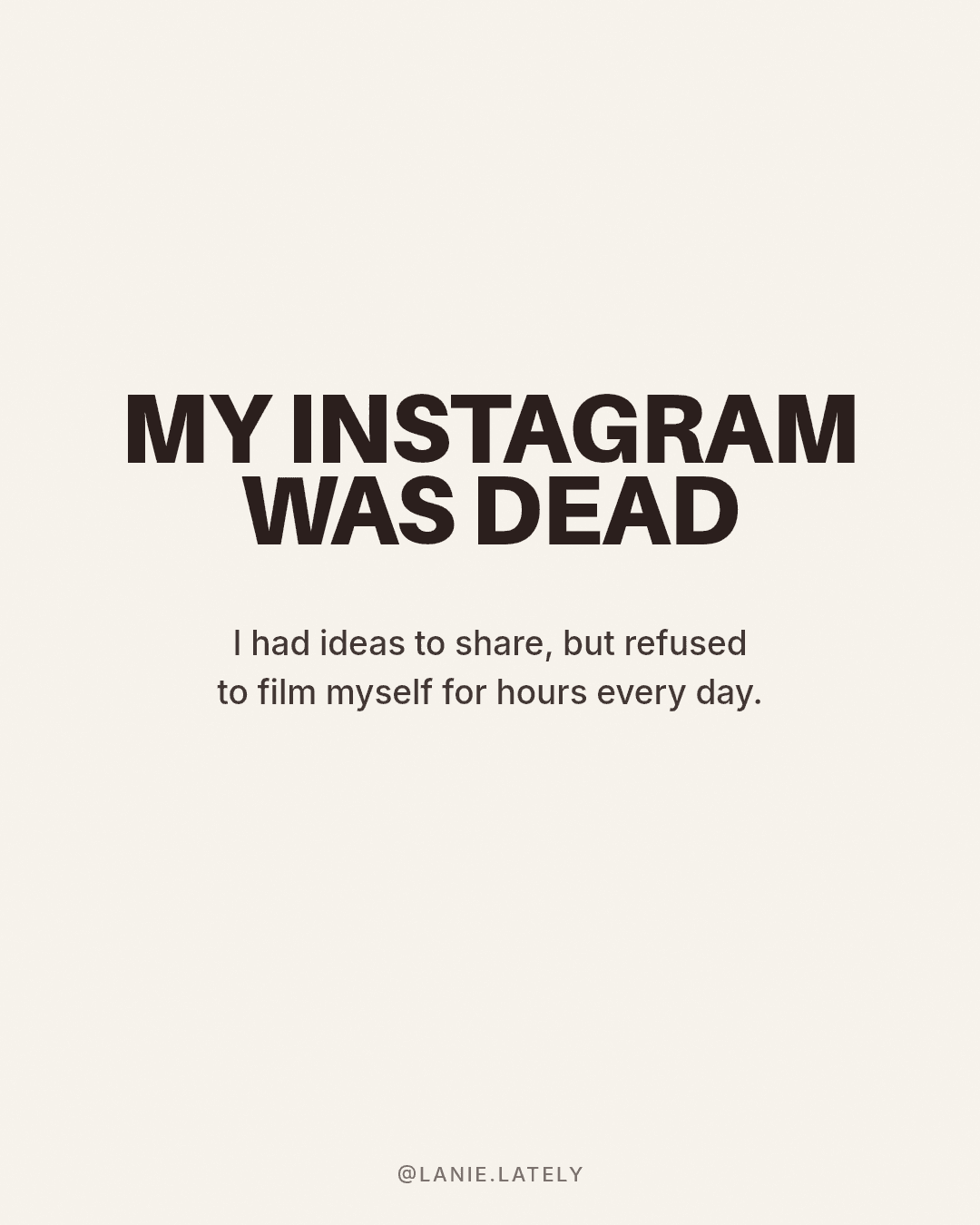
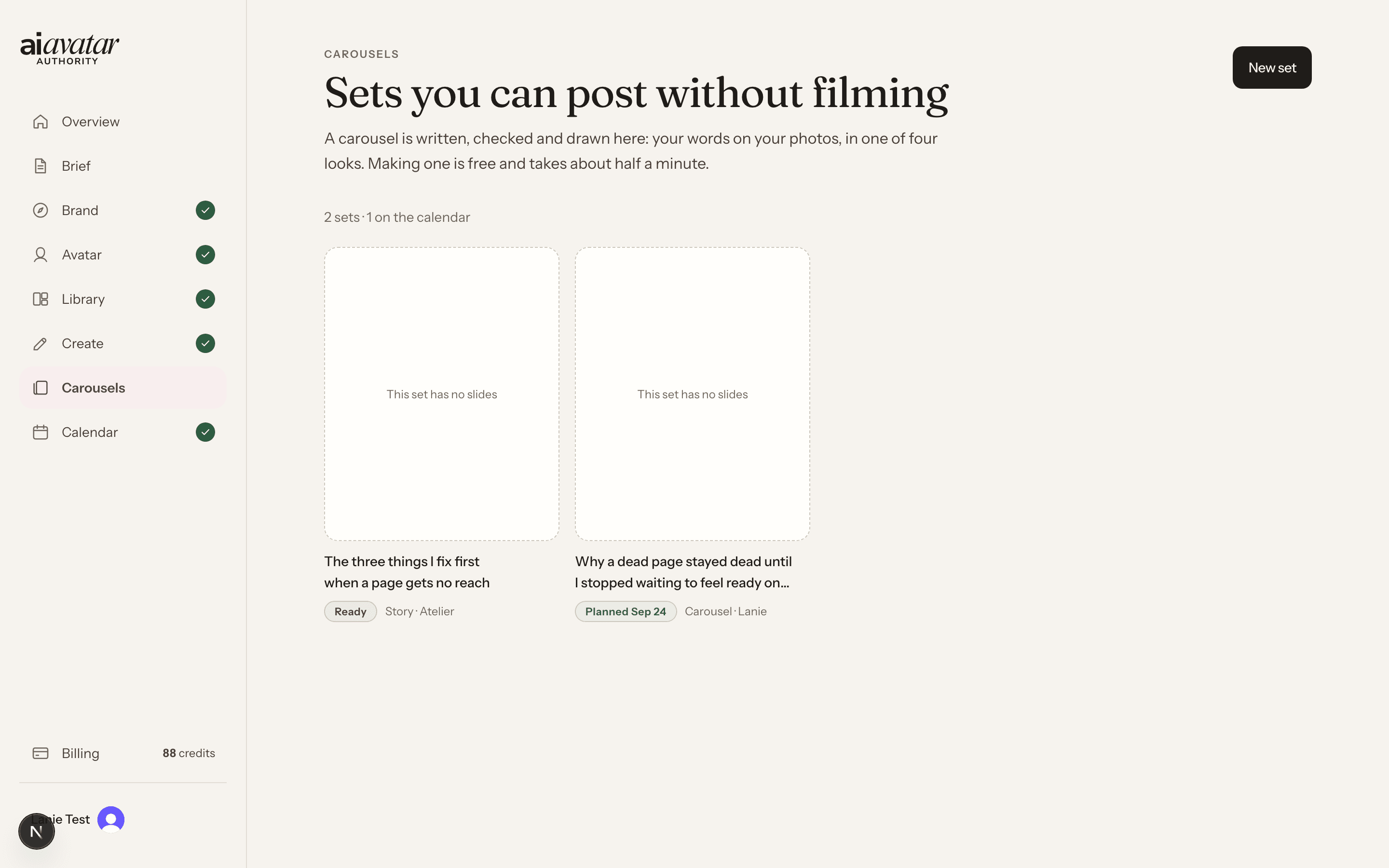
Written, checked and drawn: your words on her photos, in one of four looks. About half a minute a set, and free on a plan.
Stories
The same set can come out as a story sequence instead. Sets sit in one place, labelled and dated, until you post them — so a quiet day still has something better than a repost.
One free photo at setup
One photo on us, once per account. No credits, no card. Say where she is and the app makes it — which is usually the moment people decide whether any of this is real.
Who built it
Lanie runs a 285K followers account with 0 videos filmed
The app was built for one account before it was a product. Lanie is an AI avatar — there is no woman behind the camera, because there was never a camera. She posts every day, and the person who built her has still never been on screen.
Everything on this page — the photos, the clips, the hooks, the carousels, the calendar — is the same software that account runs on. That is the whole pitch. Not a course about a method. The thing itself.
Why this works
Why this works when the others did not
You have probably already paid for one of the first two. Here is the honest difference.
AI photo and video tools
They make a good-looking picture. They will not tell you what to say, when to post it, or how tomorrow follows today. You come away with a folder and no plan, and the folder goes stale.
Instagram courses
Be consistent. Add value. Use trending audio. All true, all useless at nine at night when you have nothing to post and nothing to post it with — and every one of them still assumes you will film something.
AI Avatar Authority
The avatar, the writing, the assembly and the calendar in one place. Open it, write a hook, put it on a clip, give it a day. The next day is already on the screen when you come back.
And the parts it does not do
- You still post it. Download the reel, paste the caption, add a trending sound in Instagram, press post. No auto-posting and no DM automation.
- You add the AI label. Instagram asks for realistic AI content to be disclosed. The app tells you when a post needs it; switching it on is your step.
- Nobody here promises you views. What the app removes is the reason you are not posting. What happens after that is Instagram, your niche and your patience.
Pricing
Pick a plan, or buy it once
One credit is one photo, a five-second clip is three credits, and writing hooks, assembling reels and making carousels are free on a plan.
Creator
$39a month
70 credits a month
About 23 clips or 70 photos a month, enough for a reel every day.
1 avatar
Start freePro
$89a month
200 credits a month
About 66 clips or 200 photos, enough for two reels a day.
3 avatars
Start freeFounding lifetime
$297once
Software for life
Generation is paid from credits.
One payment, no renewal
Start freeTop-ups, when a week gets busy
55 credits for $25, 120 credits for $50, 265 credits for $100. Monthly credits roll over one period and then expire; top-up credits never expire.
If it is not for you
Refund within 7 days if under 20% of credits used. Cancel any time — card, plan and cancellation are handled on Stripe’s own page.
Everything you get
Everything inside the app
- 01
Your avatar, built from an interview
Ten minutes of questions, one to a screen, with drafted options when you are stuck and a coach that pushes back when an answer is vague. It ends with one photo of her, free.
- 02
A reference set you approve
Her originals lead every prompt, because each regeneration loses a little likeness. A new angle is only generated when the originals do not already cover it, and it waits for your yes before it can be used.
- 03
Hooks written in your voice
Drawn from your own brief — who you talk to, how you sound, what you are actually for. Five at a time, about twenty seconds, free on a plan.
- 04
Reels assembled for you
The hook is the only text on screen, and it stays up for exactly as long as it takes to read. The five-second clip replays underneath while she reads your caption.
- 05
Carousels, drawn not templated
Your words on her photos in one of four looks, checked before they are drawn. About half a minute a set, free on a plan.
- 06
Story sequences
The same set can come out as stories instead, so a quiet day still has something on it that is not a repost.
- 07
A two-week calendar
One reel a day, at the same time each day. Days with nothing on them say so plainly, which is the only honest way to plan.
- 08
A library that keeps everything
Photos, clips, hooks, finished reels and carousel sets in one place, in private storage on your account, ready to be used again.
From $39 a month · one free photo at setup · 7-day refund
Members
This is where real quotes will go
Three slots, reserved. They stay marked until the founder has quotes from real members who agreed to be named. Nothing invented goes here, and nothing gets a star rating it did not get.
[TESTIMONIAL PLACEHOLDER]
Slot 1 — name, city and consent needed before this goes live.
[TESTIMONIAL PLACEHOLDER]
Slot 2 — name, city and consent needed before this goes live.
[TESTIMONIAL PLACEHOLDER]
Slot 3 — name, city and consent needed before this goes live.
Questions
The things people ask first
Does it post to Instagram for me?
No. It writes, generates and assembles. You download the reel, paste the caption, add a trending sound in Instagram and post it yourself. There is no auto-posting and no DM automation in this version.
Is Lanie a real person?
No. Lanie is an AI avatar. She has never been filmed or photographed, because there is nobody to film. She is the avatar the app was built around, and she is the proof that an avatar can carry an account.
Do I have to show my face?
No. Not once, not for setup, not later. You choose a persona and she is the one on screen. Nothing in the app needs a photo of you.
What about Instagram’s AI label?
You add it. Instagram asks people to disclose realistic AI-generated content, and that responsibility sits with whoever posts. The app tells you when a post needs the label so you can switch it on in Instagram before you publish.
Can I use my own face instead?
Yes. You can build a twin from your own photos, as long as they are of you and you consent to them being used that way. Uploading someone else’s face is not allowed.
What do credits buy?
One credit is one photo. Three credits is one five-second clip. Writing hooks, assembling reels and making carousels cost nothing on a plan.
What happens when my credits run out?
Generation pauses until your plan renews or you add a top-up: 55 credits for $25, 120 credits for $50, 265 credits for $100. Everything you have already made stays in your library. Monthly credits roll over one period and then expire; top-up credits never expire.
Can I get a refund?
Within 7 days if under 20% of credits used.
Can I cancel any time?
Yes. Your card, your plan and cancellation are handled on Stripe’s own page, which you reach from Billing inside the app.
Is my data private?
Your brief, your avatar and everything you generate sit in private storage on your account. They are not shown to anyone else and the app does not publish them anywhere. There is a delete-my-account control inside the app, and the privacy policy sets out what is kept and what is removed.
Still thinking
Your first photo of her is free
You have already spent longer deciding whether to start than the setup takes. Ten minutes of questions and you will be looking at her.
If it is not for you, the way out is written down and it is short: refund within 7 days if under 20% of credits used, and you can cancel any time. No countdown, no disappearing price, no pressure from us.
From $39 a month · one free photo at setup · 7-day refund